Pen Arcade
A downloadable game
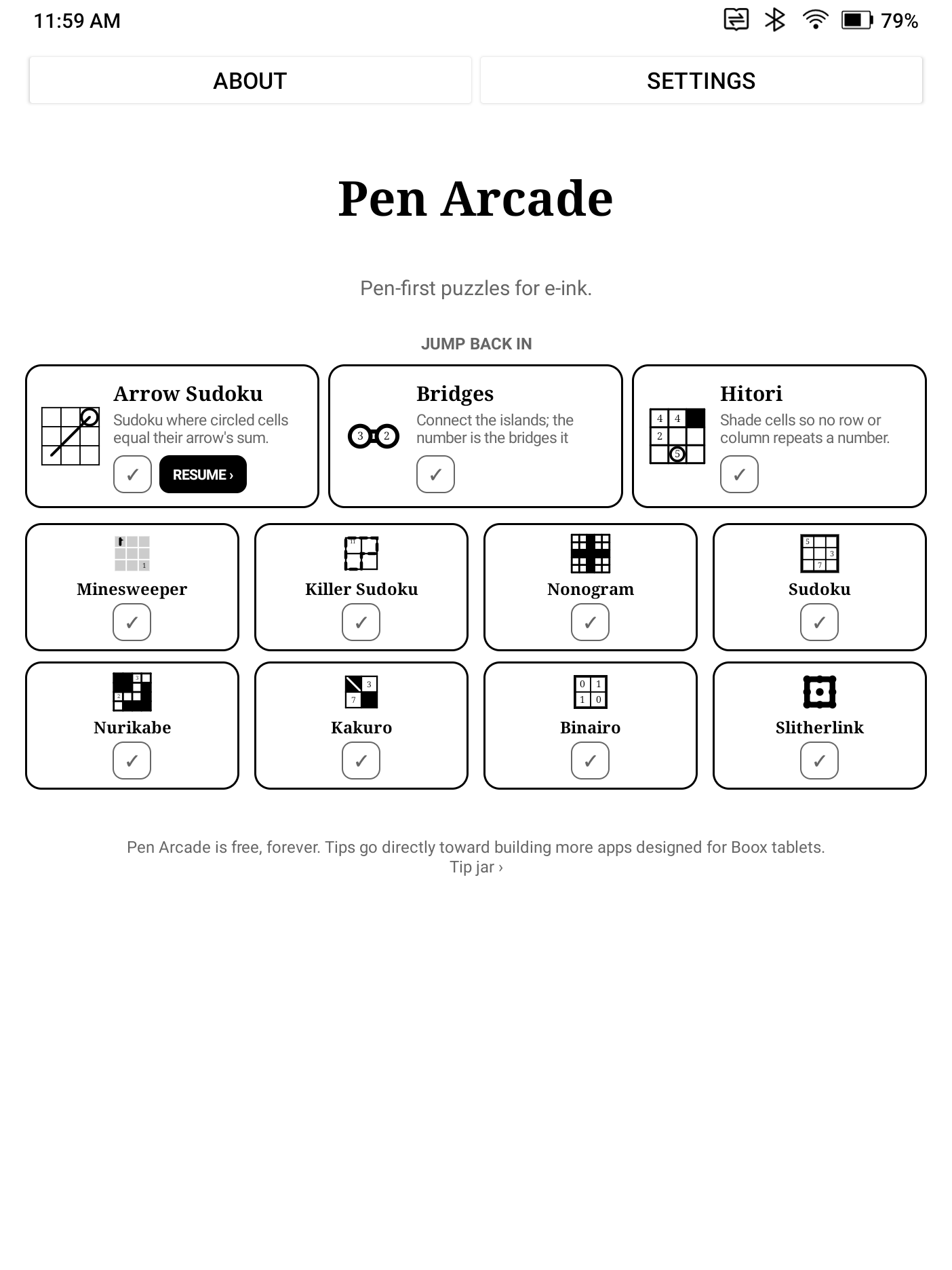
Pen Arcade is a collection of puzzle games designed explicitly for epaper + pen tablets. All games are designed with stylus input as the primary mode of interaction, and all games are designed to be fully playable on grayscale eink displays with no animations that can lead to ghosting. All games work fully offline. Games support handwriting and hovering input (hardware allowing).
- Slitherlink — draw one continuous loop around the numbered clues.
- Nonogram — fill cells to reveal the hidden picture.
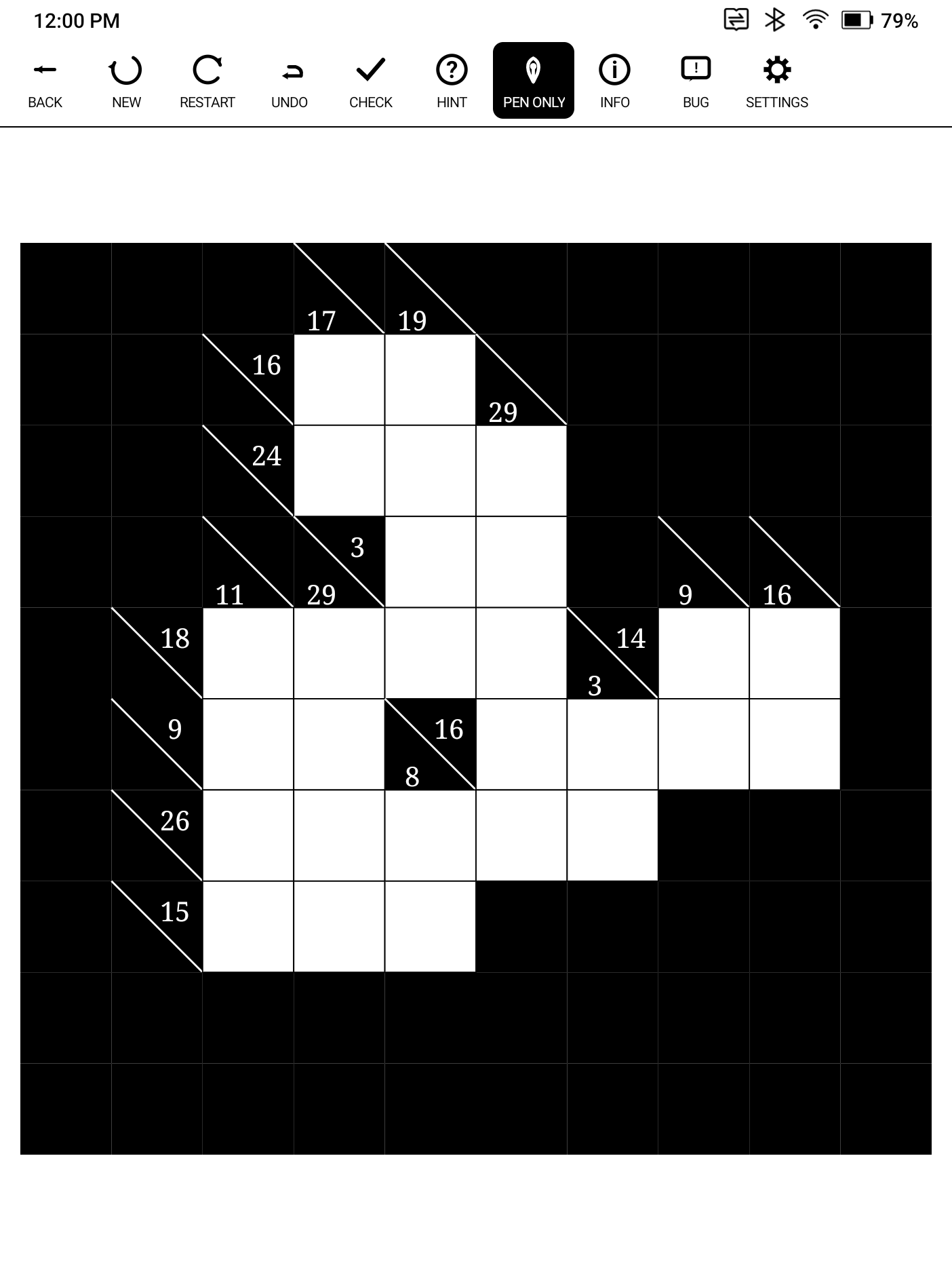
- Kakuro — fill digits 1–9 to match every sum.
- Bridges — connect the islands; the number is the bridges it needs.
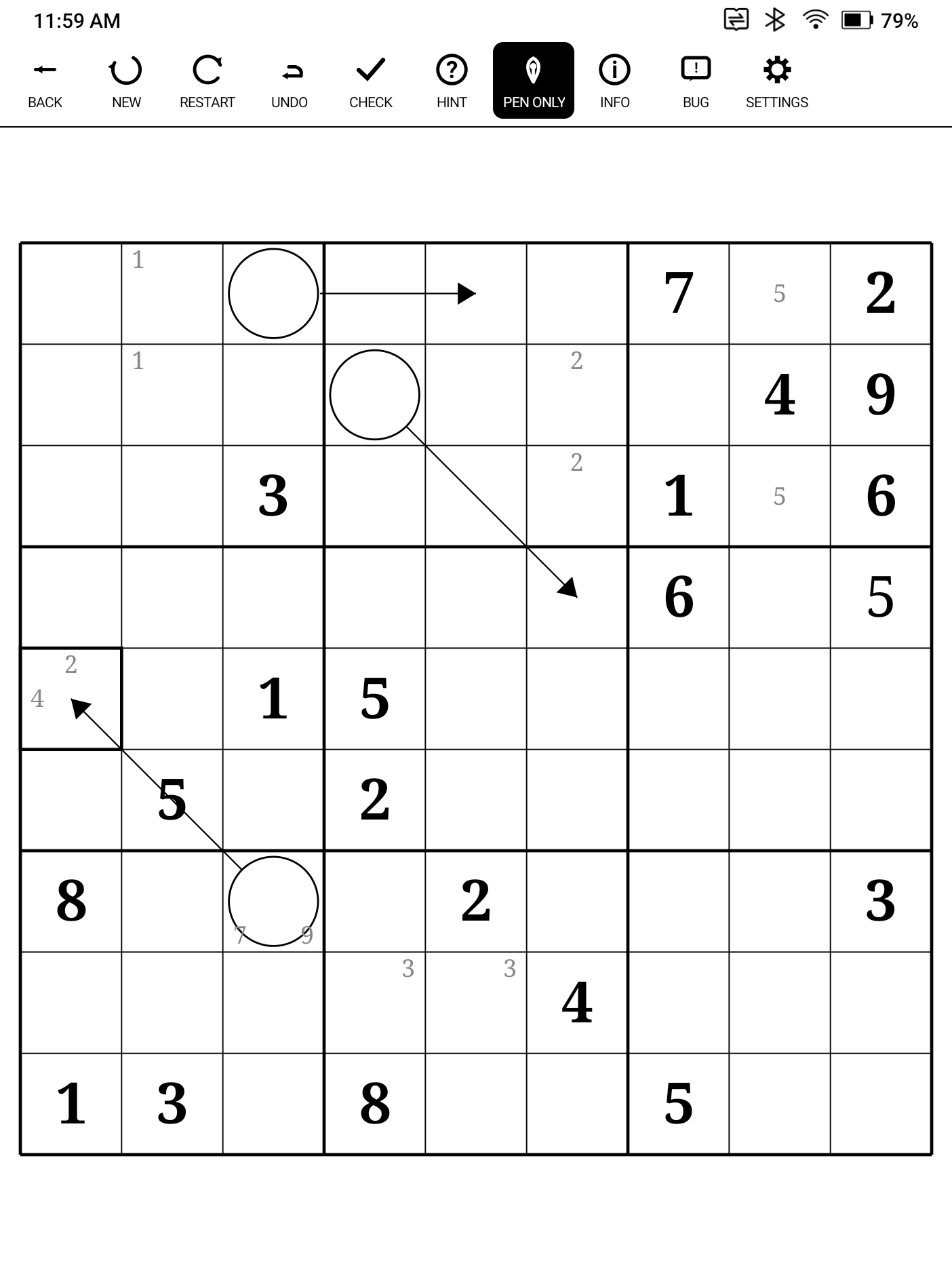
- Sudoku — every row, column and box holds each digit once (6×6 and 9×9).
- Killer Sudoku — Sudoku with cages: no repeats, match the cage sums.
- Arrow Sudoku — Sudoku where circled cells equal their arrow's sum.
- Minesweeper — reveal the field; numbers count neighboring mines.
- Binairo — fill 0s and 1s: no three in a row, balanced rows.
- Nurikabe — shade cells to form islands; the sea stays connected.
- Hitori — shade cells so no row or column repeats a number.
More games will come over time, including more number games and word games.
Pen Arcade is currently in open beta. If you encounter any issues, please use the in-app bug report buttons.
Pen Arcade will remain free forever and is supported by tip jar - no ads to drain your battery, bandwidth, or privacy, either. If you like this app and would like to see more apps designed for these devices, leave a tip!
Download
Install instructions
How to install (Boox / e-ink Android)
- Download the APK from this page.
- Get it onto your device — download directly in the Boox browser, transfer over USB, or send it over your local network.
- Tap the APK. Android will ask you to allow "install unknown apps" for your browser or file manager — one-time grant. A virus scan runs first; that's normal.
- Install and play.
⚠️ Important — read before updating: Boox does not allow installing an update over an existing sideloaded app. Every update requires uninstalling first, which wipes all app data. Before uninstalling, use Settings → Your Data → Export to back up your progress, then import after reinstalling. This is a Boox limitation, not something the app can work around.
Leave a comment
Log in with itch.io to leave a comment.